
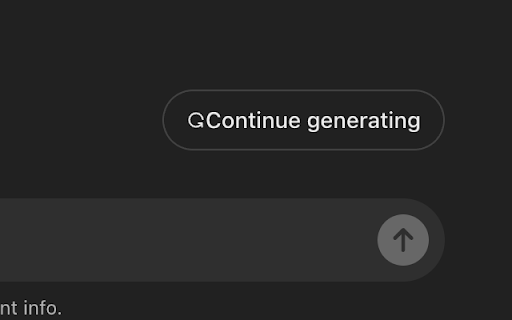
Chat GPT Continue Generating Button Auto Clicker automatically clicks the 'Continue Generating' button in Chat GPT for you. When a long answer gets cut off, you no longer have to watch the screen and click the same button again and again—the extension takes care of it instantly.
By automating these repeated clicks, it lets content generation continue without interruption. Whether you are drafting a long article, working through code, or asking for an extended explanation, you can stay focused on your work instead of babysitting the chat window.
To do its job, the extension uses the activeTab permission to interact with your current tab, and the scripting permission to inject and execute the script that performs the automated clicks. The host permissions are necessary to specify the websites where the extension will be active: https://chat.openai.com/* and https://chatgpt.com/*.
Subscribe to get the latest Chat GPT Continue Generating Button Auto Clicker and global AI updates.


Comments
Loading comments…