
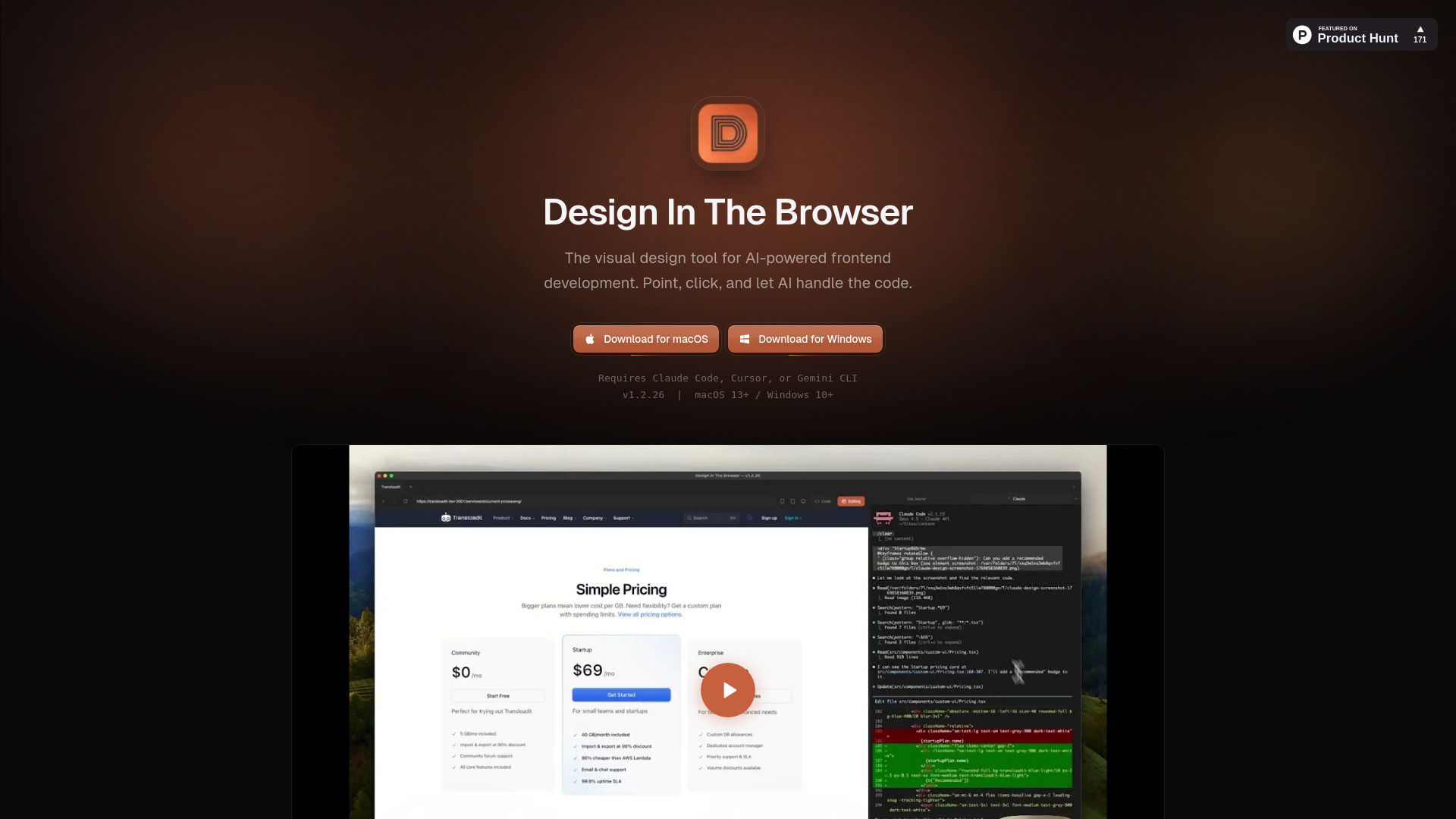
Design In The Browser is an AI-powered visual frontend development tool that bridges visual design and AI development. Instead of wrestling with selectors or writing long explanations of a page layout, you can simply work directly on the page you want to change.
The workflow is simple: point and click at any element on a website in your browser, describe the desired edit in plain language, and send the instruction to integrated AI models such as Claude Code, Cursor, or Gemini CLI, which run in a built-in terminal. A screenshot of the selected element is included automatically, so the AI knows exactly what you mean.
This process eliminates the need to copy selectors or describe layouts manually. Developers can see, describe, and change elements quickly while the AI handles the code, turning visual feedback into real changes without breaking your flow.

Subscribe to get the latest Design In The Browser and global AI updates.

Comments
Loading comments…