
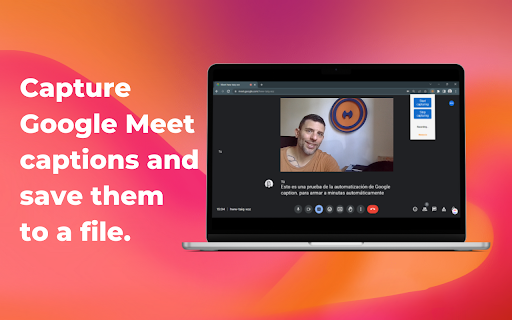
Google Meet Captions Downloader is a handy plugin that works alongside Google Meet captions, grabbing every subtitle generated during your online meetings as they appear.
Instead of losing track of what was said, you can download the full set of captions once the meeting ends and paste them into ChatGPT, BARD, or any other LLM chat tool to generate clear summaries, meeting notes, or action points in seconds.
To get started, you must open Google Meet and turn on captions first. Once captions are enabled, the plugin will capture the subtitles automatically, so you never have to scribble notes while trying to focus on the conversation.
Subscribe to get the latest Google Meet Captions Downloader and global AI updates.


Comments
Loading comments…