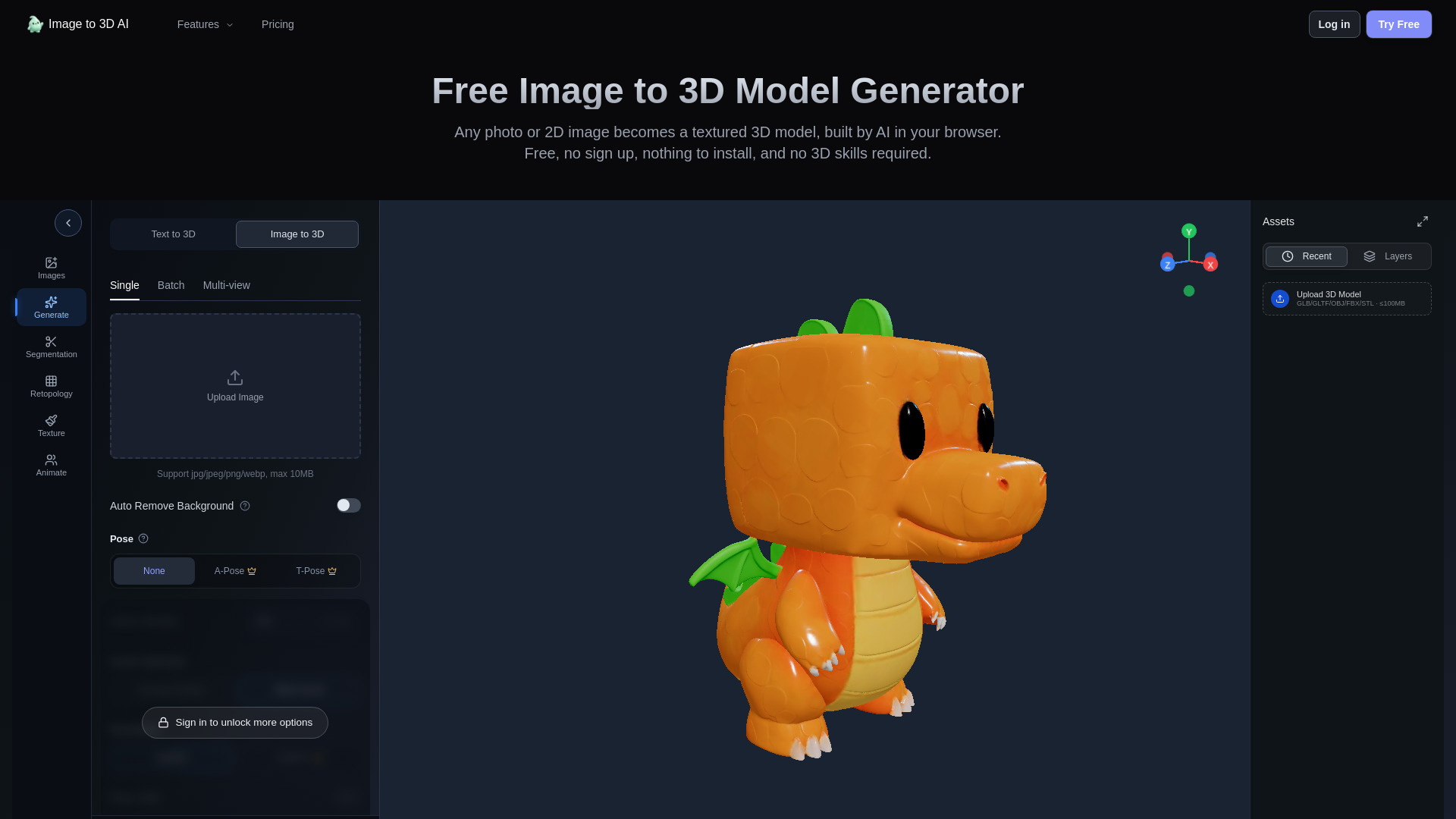
Image to 3D AI transforms photos and sketches into 3D models directly in your browser. Upload a single image and preview a model for free — no sign up and no card required. Ever wished you could spin a real object around on screen instead of squinting at a flat photo? Now you can.
You are not limited to one angle either. Combine front, left, back, and right views into a single model, or generate separate models from up to 10 images at once. Choose between textured or white-mesh output, with resolutions up to 1536 px available.
Mesh quality is fully in your hands. Smart Low Poly is an option during generation, and AI retopology lets you set a target face count and pick quad or triangle topology afterward. You can also segment a model into parts and generate fresh textures when the original look needs a refresh.
Bringing characters to life is simple too. Auto-rigging works with compatible humanoid or animal characters, adding skeletons and skin weights automatically. Then apply one of 16 motion presets across supported rig types — including idle, walk, run, jump, and creature gaits — so your model moves the way it should.
Preview the finished result in 3D before committing, then export generated models as GLB or STL, or rigged results as GLB. Got files in another format? Convert existing FBX, OBJ, GLB, 3MF, PLY, STL, or STEP files to OBJ, STL, GLB, or PLY right in your browser, no extra software needed.
Dedicated online viewers open GLB/GLTF, OBJ, FBX, STL, PLY, 3MF, and STEP/STP files. You can even compare up to four files from the same format family with synchronized camera views, making it easy to spot differences at a glance. Feature and download availability vary by plan.

Subscribe to get the latest Image to 3D AI and global AI updates.



Comments
Loading comments…