
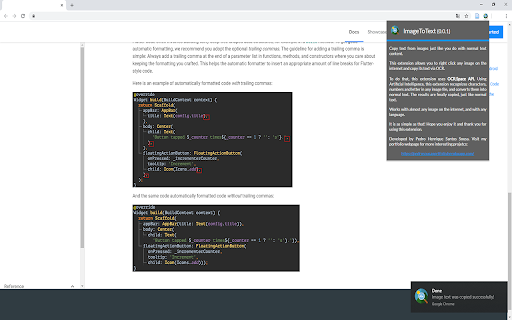
OCR.Space API brings a small but powerful convenience to your everyday browsing: the ability to copy text from any image on the internet, just as you would with regular text content. No more manually retyping what you see on screen.
Using it could not be simpler. Right-click the image, choose "copy image text", and that is it. The extracted text is ready for you to use and paste wherever you need it, whether it is a note, a document, or a message.
It works especially well for informational images, playful or entertaining content, and code blocks, which are otherwise tedious to reproduce by hand. Instead of rewriting everything character by character, this extension solves the problem in a click.
To process the images, the extension relies on the OCR.Space API, which handles the text recognition behind the scenes so you can focus on the content itself.
Subscribe to get the latest OCR.Space API and global AI updates.


Comments
Loading comments…