
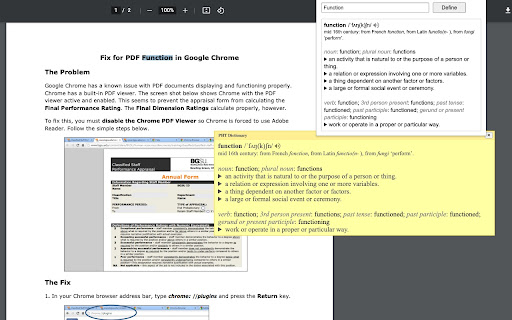
Definition Extension makes reading smoother by putting word definitions just a click away. No more copying words into another tab—simply select any word or phrase and get its meaning instantly.
There are two quick ways to define something: press Alt+Shift+Z (this shortcut does not work for local PDFs) or right-click on your selection. You can also customize shortcuts to fit your own habits, choose from multiple definition providers—including ChatGPT—and personalize the popup window to your liking.
Beyond definitions, the extension offers a web search link for deeper context and a ChatGPT backup when you need more help. A special feature even enables word pronunciation on CSP-protected pages, so you can hear how a word sounds almost anywhere online.
Subscribe to get the latest Definition Extension and global AI updates.


Comments
Loading comments…