
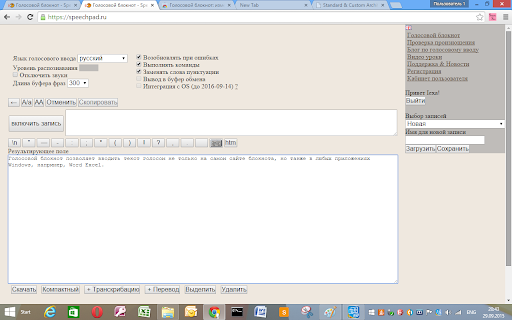
Voice Notebook lets you enter and edit text entirely by voice, so you can capture notes, ideas, and documents without typing a single word. Simply speak, and your words appear on screen, ready to refine whenever you like.
Beyond live dictation, Voice Notebook converts audio files into printed text, making it easy to turn recordings into readable, editable content. It also works as a simultaneous translator, taking speech and rendering it as text in a language of your choice—handy for conversations, lectures, and meetings across language barriers.
With the extension installed, Voice Notebook can work with the clipboard, letting you move recognized text straight into other tools and workflows. And with the integration module installed, it can perform voice input directly in Windows applications, so you can dictate wherever you work.
Subscribe to get the latest Voice Notebook and global AI updates.


Comments
Loading comments…