
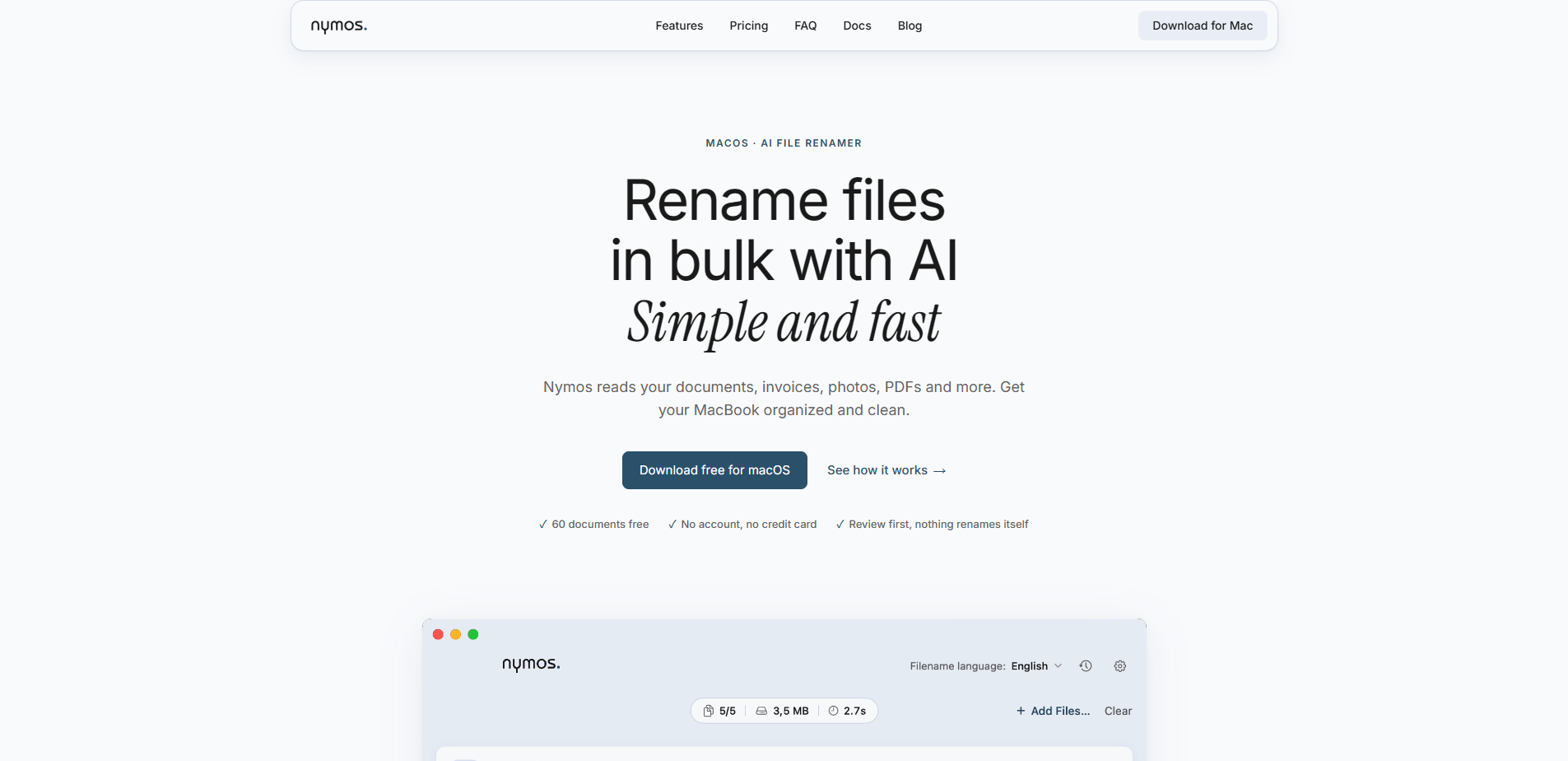
Nymos is a native Mac app for bulk file renaming that works from what is inside your files, not from the filenames they already have. If you have ever stared at a folder full of files named scan001.pdf or IMG_4032.heic, this solves exactly that problem.
Point Nymos at a folder or simply drop in a set of files and it reads each one: the text, the embedded metadata, the EXIF data, with built-in OCR for scanned pages. It then proposes one clear, meaningful name per file. More than 50 formats are supported, including PDF, Word, Excel, PowerPoint, OpenDocument, Pages, Numbers, Keynote, images including RAW, plus audio and video named from the details those files carry.
Templates decide the shape of each name—date, sender, subject, amount—in whatever order fits your filing system. Renamed files can pick up Finder tags or move to a destination folder automatically. A watch folder handles new arrivals the moment they land, and a Finder service plus a menu-bar item put renaming just one right-click away.
The interface runs in Dutch, Spanish, and English, with more languages to follow later in 2026. The language Nymos uses for filenames is a separate setting from the interface language—so a Dutch consultant working with a Spanish client does not have to choose between the two.
Two ways to power Nymos: a Nymos subscription, where documents are processed within the European Union, or your own AI provider account with a one-time license, in which case your files go only to the provider you picked. Nymos collects no analytics and no telemetry, and local models will follow by October 2026 at the latest.
Subscribe to get the latest Nymos and global AI updates.

Comments
Loading comments…