
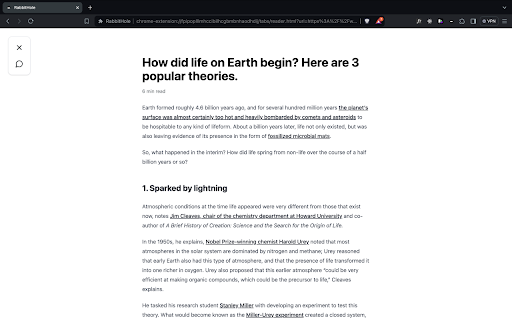
Reading Mode is a handy feature for anyone who reads articles online and wants to stay focused. Activate it instantly with the keyboard shortcut Opt+L (or Alt+L on Windows) whenever a page is cluttered with ads, sidebars, and other distractions.
Once enabled, Reading Mode strips away everything that pulls your attention away from the text, giving you a clean, comfortable view of the article. It also provides built-in tools designed to improve both your reading comprehension and your reading speed, so you can get more out of every piece you read.

Subscribe to get the latest Reading Mode and global AI updates.

Comments
Loading comments…