
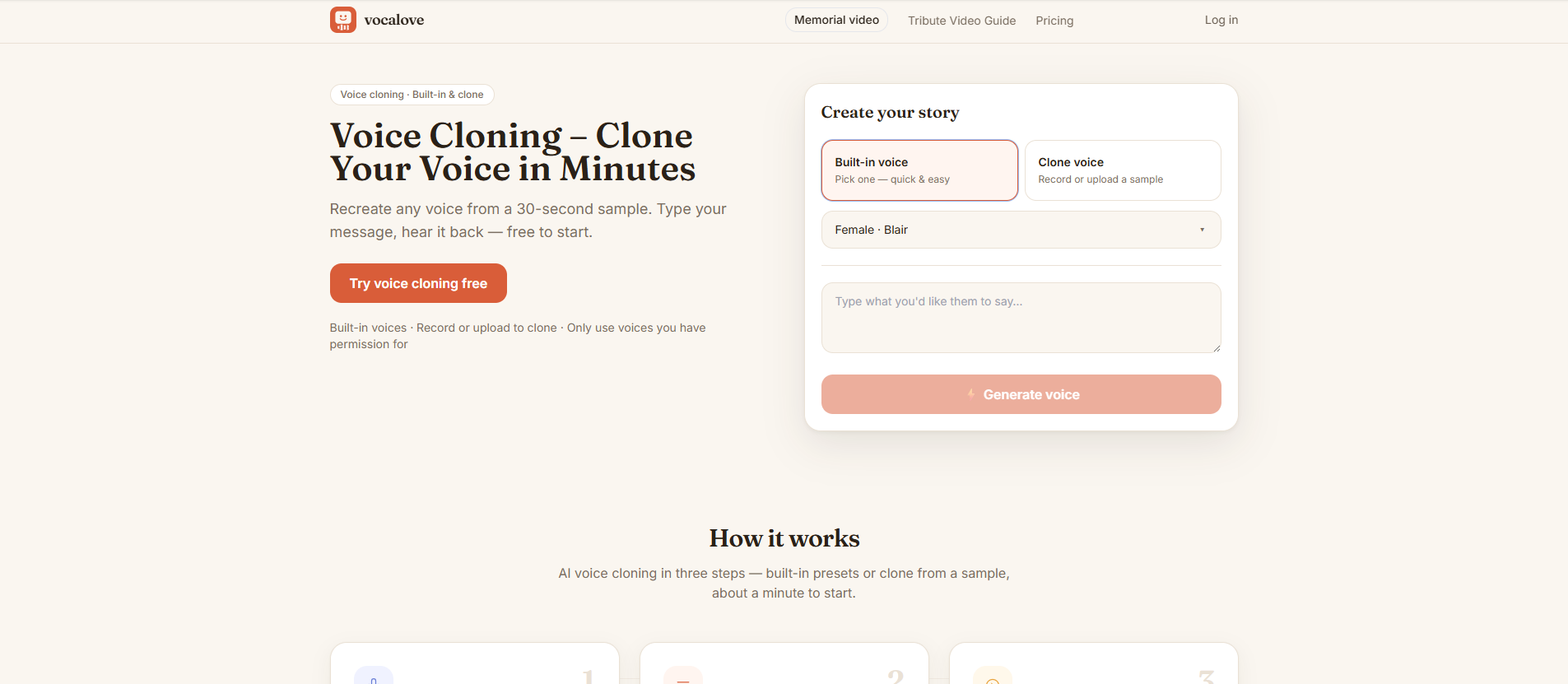
vocalove gives you two easy ways to get the voice you need: choose one of the ready-made built-in presets (male or female), or clone a real voice from a short sample. Either way, you can turn plain text into natural, human-like speech instead of a generic robotic read-through.
Cloning a voice takes just moments in your browser — record up to 30 seconds of audio, or upload an mp3, wav, or m4a file (samples of 3–15 seconds work best). There is nothing to install, so it works on desktop and mobile alike. Type up to your character limit and hear it spoken in that familiar voice, perfect for narration, memorial videos, and voice-over scenarios.
Output is audio-first: download the voice track or share it on its own, and only pair it with a photo for a talking video if you actually want one. Built-in preset speech is generated in seconds, while a new voice clone is ready in 1–3 minutes — no software, no studio, and no audio editing required.
Every generation includes a permission check, so you can only clone voices you own or have explicit permission to use. Built-in preset voices can be previewed before you generate. Voice cloning, HD exports, and longer jobs use one-time credit packs starting at $5.9 — no subscription, and credits never expire.
Subscribe to get the latest vocalove and global AI updates.


Comments
Loading comments…