
Whisk Ai is an experimental image generation tool from Google Labs that flips the usual workflow: instead of writing text descriptions, you use images as prompts. Provide three images — a subject, a scene, and a style — and Whisk Ai blends them into a new image using Google’s Gemini and Imagen 3 models.
Is Whisk Ai free to use? Yes, Whisk Ai is currently free as a Google Labs experiment. You can access Google Whisk Ai at labs.google/fx/tools/whisk with a Google account. Since it’s an experiment, there’s no guarantee Whisk Ai will stay free or remain available permanently — Google Labs projects can be retired at any time.
How does Whisk Ai differ from other AI image generators? Most tools like Midjourney and DALL-E require you to write detailed text prompts. Whisk Ai takes a different, visual-first approach by letting you drag and drop images as inputs. You choose a subject photo, a scene photo, and a style reference, and Whisk Ai combines them automatically — no wording struggles, just pick and go.
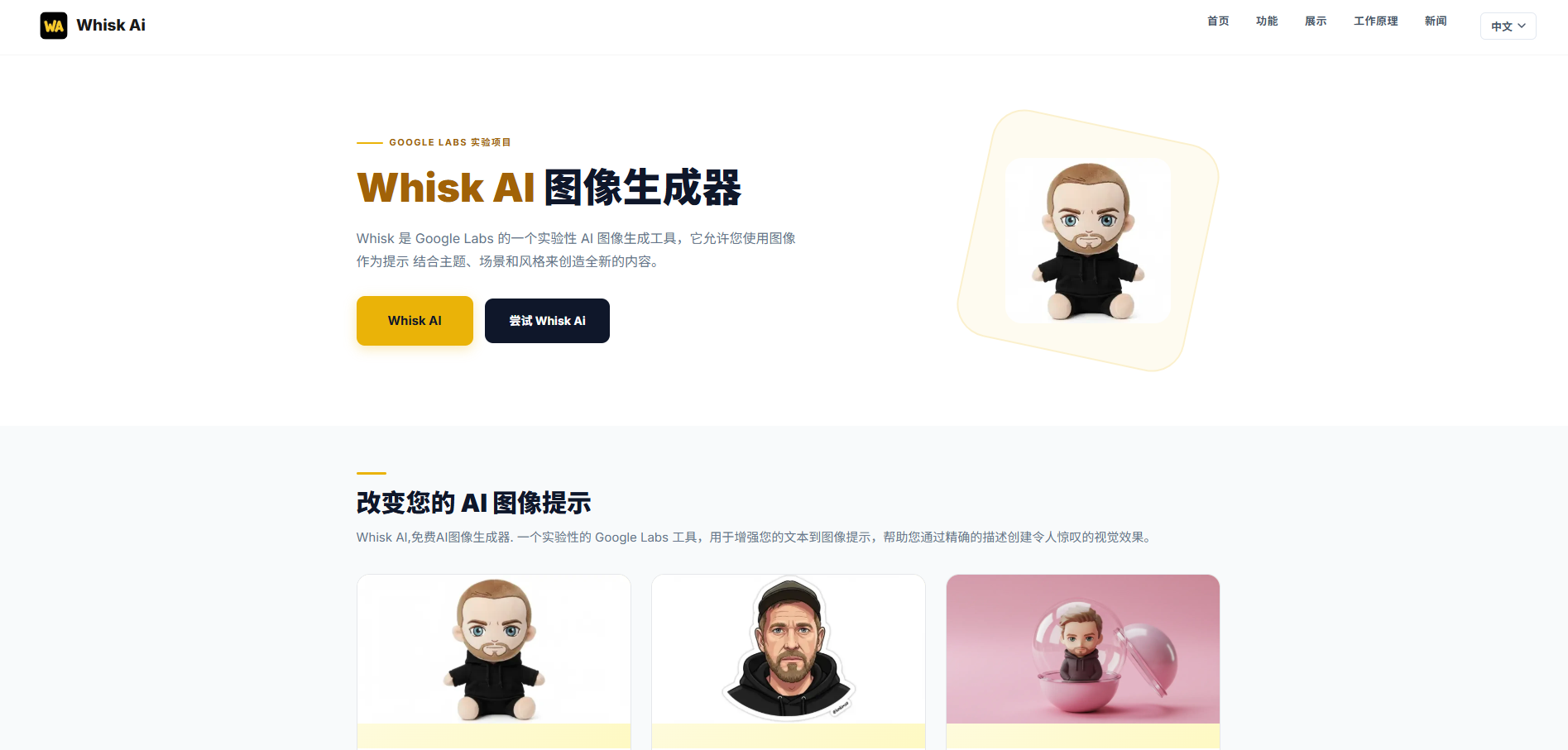
What styles are available in Whisk Ai? Google Whisk Ai currently offers six built-in styles: Sticker (bold outlines, bright colors), Plushie (soft fabric toy look), Capsule Toy (small figurine in a plastic sphere), Enamel Pin (clean lines, metallic borders), Chocolate Box (warm, painterly look), and Card (trading card with decorative borders). Each style gives your blend a distinct, ready-made look.
Do you need prompt engineering skills to use Whisk Ai? No — and that’s one of the main reasons people like it. Whisk Ai handles prompt creation automatically based on the images you provide, so there are no special keywords, weighting syntax, or technical terms to learn. Just pick your images, choose a style, and Whisk Ai does the rest. It’s built specifically for people who think visually rather than in text.
Subscribe to get the latest Whisk Ai and global AI updates.





Comments
Loading comments…